Residential & commercial CCTV | Hyderabad

CCTV Camera Installation & Security Solutions in Hyderabad

Protect your Home and Business with Professional CCTV Solutions

Abhiram CCTV provides CCTV camera installation, repair and maintenance, DVR/NVR installation and remote mobile monitoring services across Hyderabad. With 10 years of experience, we plan and set up CCTV for homes and businesses.

  • Residential CCTV solutions
  • Commercial CCTV solutions
  • Local Hyderabad service coverage
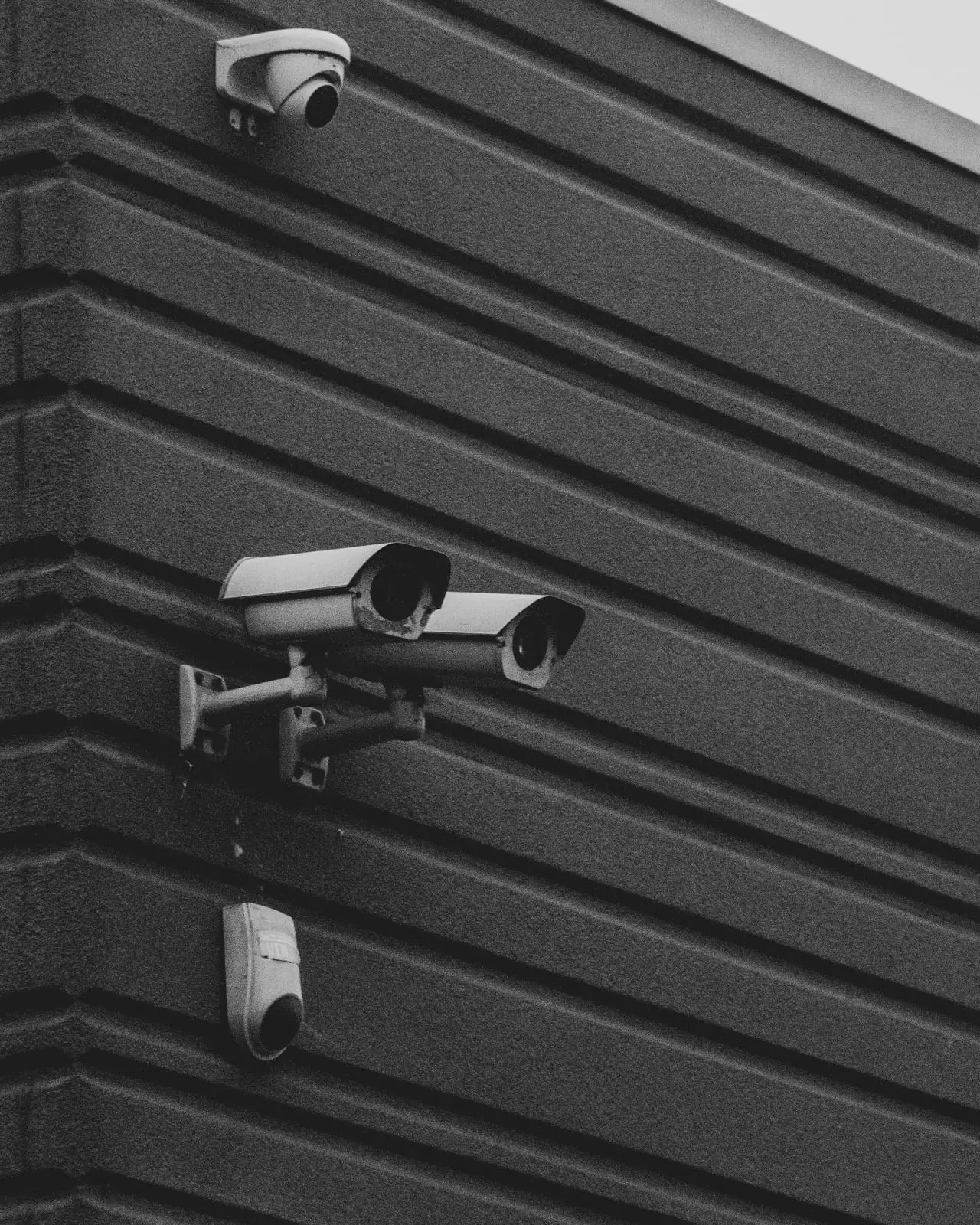
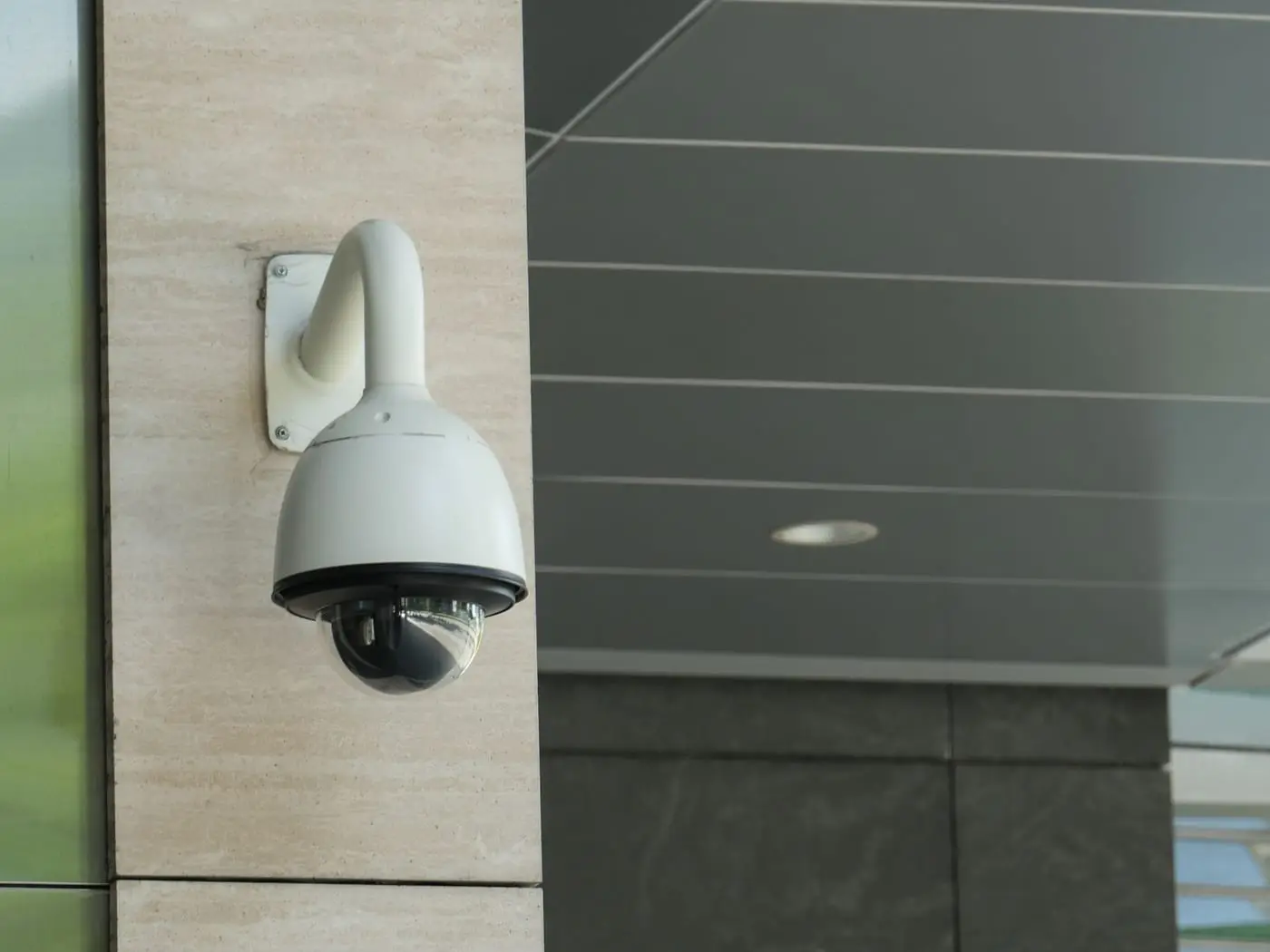
Security cameras mounted on the wall of a modern building

10 years
of CCTV experience

About us

About Abhiram CCTV – Your Security Partner in Hyderabad

Abhiram CCTV is a CCTV and security services business based in Moti Nagar, Hyderabad, with 10 years of experience helping homes and businesses keep an eye on what matters to them.

We work with both residential and commercial customers. Our services cover CCTV camera installation, CCTV maintenance and repair, DVR/NVR installation and remote mobile monitoring, so you can deal with one team from choosing cameras to viewing them on your phone.

Our aim is to explain the options in everyday language and to recommend equipment that suits your property and your priorities.

  • 10 years of experience
  • Residential and commercial CCTV services
  • Installation, repair, DVR/NVR setup and remote monitoring
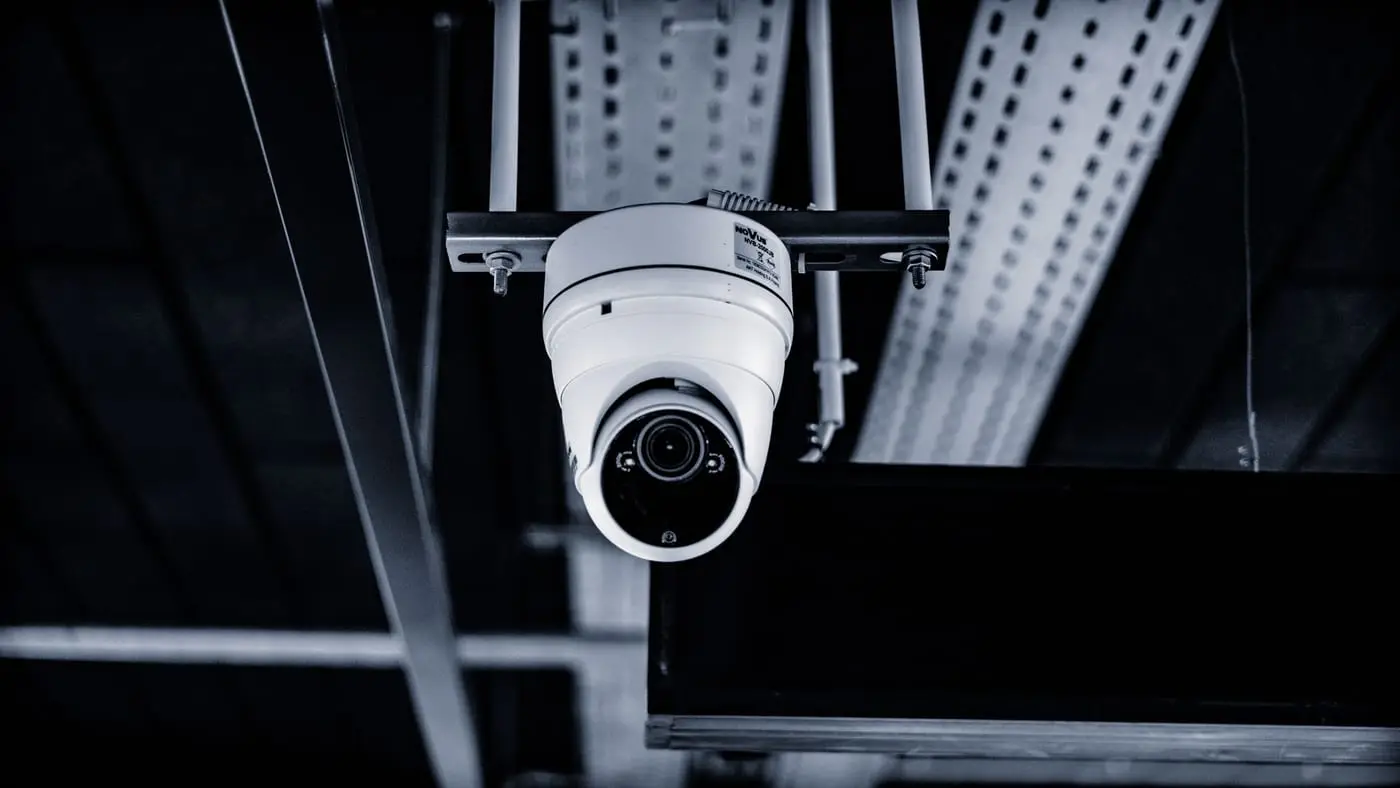
White dome CCTV camera fixed to a ceiling bracket indoors

Services

Our CCTV Installation & Security Services

Four services that cover a CCTV system from the first camera to viewing it on your mobile phone. Technical terms are explained in plain language in the guide further down this page.

CCTV Camera Installation

Planned installation of indoor and outdoor CCTV cameras for homes and businesses across Hyderabad.

Where a camera is placed matters as much as which camera is chosen. We look at your property, agree which areas need coverage, then position, mount and configure each camera so the picture is actually useful.

What this service covers

  • Indoor CCTV cameras
  • Outdoor CCTV cameras
  • Bullet cameras
  • Dome cameras
  • IP cameras
  • Network CCTV cameras
  • Residential CCTV installation
  • Commercial CCTV installation
  • Camera positioning and installation
  • CCTV system configuration

Features differ between camera models, so we recommend equipment only after understanding what you need to cover.
CCTV Repair & Maintenance

Troubleshooting and upkeep for existing CCTV systems that have stopped working properly.

When a camera shows no picture, a poor picture or stops recording, the cause is usually something that can be traced step by step: power, cable, connector, network, recorder or hard disk. We inspect the system and explain what we find.

What this service covers

  • CCTV camera troubleshooting
  • Camera connectivity issues
  • No-video and poor-video issues
  • Camera power supply checks
  • Cable and connector issues
  • Recording problems
  • CCTV system maintenance
  • Existing CCTV system inspection

What can be repaired depends on the condition of the existing equipment; some faulty parts may need to be replaced.

DVR/NVR Installation

Setting up the recorder that stores your camera footage, with storage and recording configured to suit you.

The DVR or NVR is the box that receives video from your cameras, records it onto a hard disk and lets you play it back later. Setting it up correctly decides what gets recorded, for how long and how easily you can find footage.

What this service covers

  • DVR installation
  • NVR installation
  • Hard disk installation and configuration
  • Recording configuration
  • Camera channel configuration
  • Network connectivity
  • Recording playback and retrieval
  • Compatible CCTV system setup

A DVR and an NVR work with different kinds of cameras, so the recorder must match the cameras it will manage.

Remote Mobile Monitoring

View your cameras on your mobile phone from wherever you have an internet connection, where your equipment supports it.

With remote viewing set up, you can open an app on your phone and look at your cameras without being at the property. This needs a compatible recorder or camera, an internet connection at the site and correct configuration.

What this service covers

  • Mobile CCTV viewing
  • Remote camera access
  • Compatible mobile application configuration
  • Remote monitoring setup
  • Internet connectivity configuration
  • Live camera viewing
  • Recording playback where supported

Remote features depend on the specific camera, recorder and internet connection; not every system supports every feature.

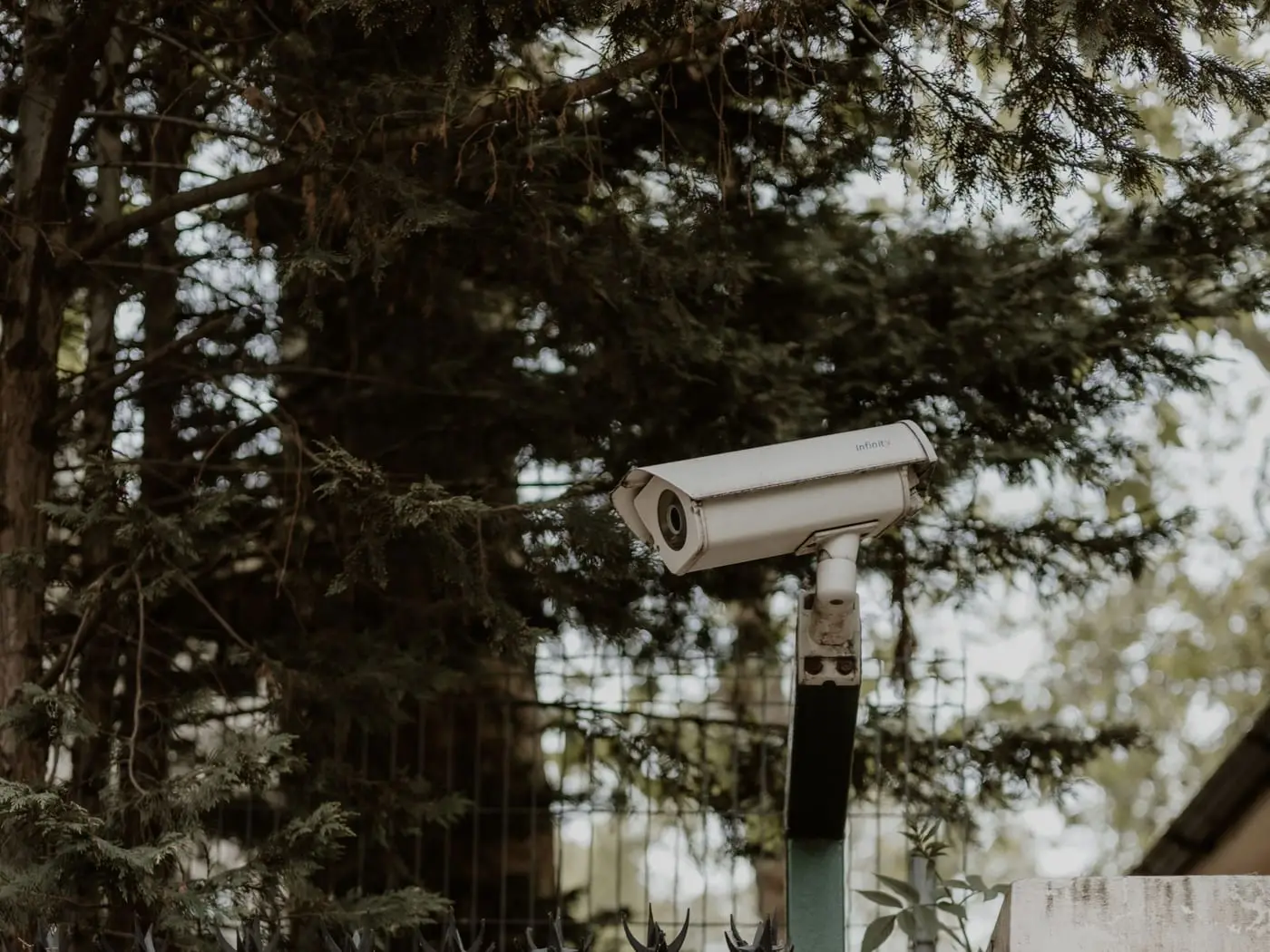
Outdoor CCTV camera on a pole behind a brick boundary wall at a house

Residential security

Home CCTV Camera Installation in Hyderabad

Home CCTV installation in Hyderabad usually starts at the front door and works outwards: the main entrance, the parking area, the boundary and any side or rear access. Indoor cameras can then be added where they make sense for your family.

A well-planned CCTV system cannot stop every incident, but it improves your visibility of who comes and goes, helps you notice unusual activity and gives you recordings to review if something happens. With remote mobile viewing set up, you can also check on your home while you are at work or travelling.

  • Independent houses
  • Apartments
  • Villas
  • Main entrance monitoring
  • Parking area monitoring
  • Building perimeter monitoring
  • Indoor monitoring
  • Remote mobile viewing
White dome CCTV camera mounted at the entrance of a modern commercial building

Commercial security

Commercial CCTV Installation in Hyderabad

For offices, shops and other business premises, CCTV helps owners and managers see what is happening at entrances, counters, stock areas and parking, and keeps recordings that can be reviewed later.

The number and type of cameras depend on the size of the premises and what you need to watch, so we plan the system around your layout. Recording, storage and remote viewing are set up to match how you will use the footage.

  • Offices
  • Retail shops
  • Commercial establishments
  • Warehouses
  • Business premises
  • Reception and entrance monitoring
  • Parking monitoring
  • General premises surveillance

CCTV guide

Understanding CCTV Cameras and Security Systems

CCTV terms can be confusing. This short guide explains the main ones in plain language: what each term means, where it is used and why it matters when you choose a system.

Not every camera, recorder or installation includes every feature described here. Features depend on the specific products and on how the system is set up, so use this guide to ask better questions rather than as a shopping list.

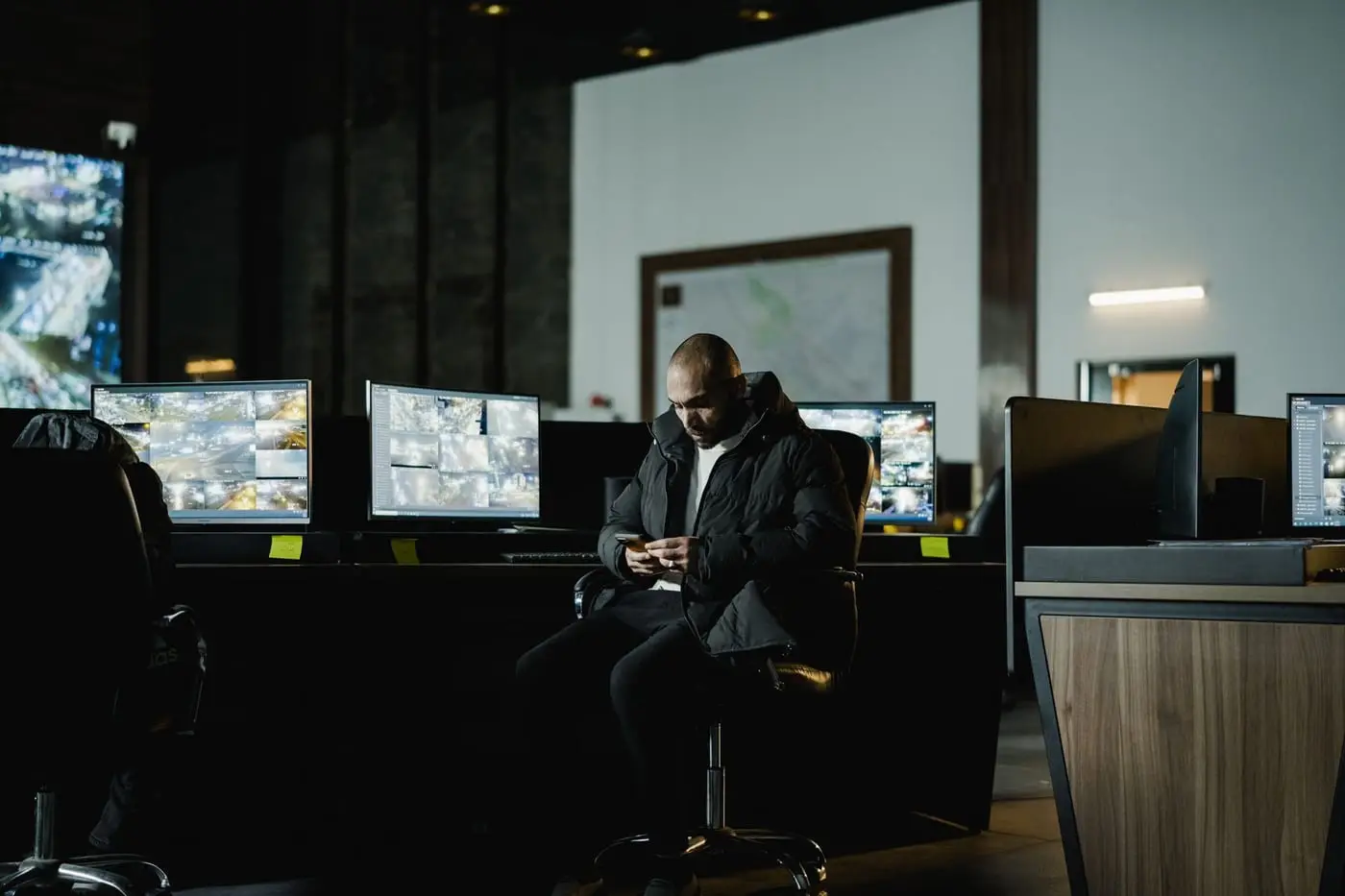
Security operator sitting at a desk of CCTV monitoring screens in a dim control room

Analog CCTV Cameras

What it is
Traditional cameras that send a standard analog video signal over coaxial cable to a DVR.
Where it is used
Older installations, small budget-conscious systems and upgrades where existing coaxial cabling is reused.
Why it matters
Analog cameras need a compatible DVR, and picture detail is usually lower than on newer systems. Knowing this helps you decide whether to keep or replace an existing system.

HD CCTV Cameras

What it is
Cameras that send high-definition video over coaxial cable to a compatible DVR. Common HD-over-coax formats include AHD, HD-TVI and HD-CVI.
Where it is used
Homes and shops that want sharper pictures while keeping a coaxial-cable style of installation.
Why it matters
The camera and the DVR must support the same format, so choosing them together avoids compatibility problems.

IP CCTV Cameras

What it is
Digital cameras that send video over a network cable or network connection to an NVR. They are also called network CCTV cameras.
Where it is used
Offices, larger properties and systems that need higher resolution, flexible cabling or remote access.
Why it matters
IP cameras are set up as devices on a network, so a good network connection and correct configuration matter. Here "IP" refers to Internet Protocol, not to a weatherproof rating.

Bullet Cameras

What it is
Cameras in a long, cylinder-shaped body that points in one direction.
Where it is used
Entrances, boundary walls, parking areas and outdoor spots where a clearly visible camera is wanted.
Why it matters
Their shape makes the viewing direction obvious and they are easy to aim, which suits long, narrow or distant views.

Dome Cameras

What it is
Cameras inside a rounded dome housing, usually fitted to a ceiling or wall.
Where it is used
Indoor areas such as lobbies, offices and shops, and some covered outdoor spots.
Why it matters
The dome makes it harder to tell exactly where the lens is pointing, and many dome cameras are compact and discreet. See also the bullet versus dome question in the FAQs.

PTZ Cameras

What it is
Pan-tilt-zoom cameras whose direction and zoom can be changed, by hand or by programmed positions.
Where it is used
Large open areas such as yards, car parks and warehouses, where one camera may need to cover a wide space.
Why it matters
A PTZ camera can only look at one place at a time, so it is not a direct replacement for several fixed cameras. It suits a space where someone will actively use the controls.

Indoor CCTV Cameras

What it is
Cameras designed for use inside a building, not for rain, dust or direct weather.
Where it is used
Reception areas, shop floors, offices, corridors and the inside of homes.
Why it matters
Indoor cameras should be placed with privacy in mind. They are normally not suitable for outdoor use, so each camera should match its location.

Outdoor CCTV Cameras

What it is
Cameras built to cope with dust, rain and sunlight. Their protection is often described with an "IP" rating such as IP66 or IP67, where IP means ingress protection.
Where it is used
Gates, boundary walls, building exteriors, parking spaces and shop fronts.
Why it matters
A camera that is not built for outdoor conditions may fail early. Outdoor cameras also need proper mounting, cable protection and, often, night vision.

DVR – Digital Video Recorder

What it is
A recorder that receives video from analog or HD coaxial cameras, converts and compresses it, and stores it on a hard disk.
Where it is used
Analog and HD CCTV systems in homes, shops and small offices.
Why it matters
The DVR determines how many cameras you can connect, how long recordings are kept and how you play them back or view them remotely.

NVR – Network Video Recorder

What it is
A recorder that receives digital video from IP cameras over a network and stores it on a hard disk. Some NVRs have built-in PoE ports to connect cameras directly.
Where it is used
IP CCTV systems in offices, larger homes and commercial premises.
Why it matters
An NVR works with IP cameras, not with analog cameras, so it is chosen together with the cameras. Network quality affects how well it performs.

PoE – Power over Ethernet

What it is
A way of sending both power and data to a compatible IP camera through a single network cable.
Where it is used
IP camera systems that use a PoE switch or an NVR with PoE ports.
Why it matters
PoE can reduce the number of cables to run and can make installation neater. Standard Ethernet cable runs are generally limited to about 100 metres, and the camera must support PoE.

CCTV Hard Disk

What it is
The storage drive inside the DVR or NVR where recordings are kept. Drives made for surveillance are designed for continuous recording.
Where it is used
Inside every DVR and NVR that records footage.
Why it matters
Disk capacity is one of the main factors in how many days of footage a system can keep. Hard disks can also wear out, so they are worth checking during maintenance.

CCTV Video Recording

What it is
Saving the camera picture so it can be played back later. Systems may record continuously, on a schedule, or when motion is detected, and use compression such as H.264 or H.265.
Where it is used
Every system that has a DVR or NVR.
Why it matters
The recording mode and compression affect storage use and whether the footage you need is available when you look for it.

Remote Viewing

What it is
Watching live or recorded camera views from a phone or computer away from the property, using an internet connection and a compatible app or software.
Where it is used
Homes where families are away during the day, and shops or offices owners want to check without being present.
Why it matters
It needs a compatible recorder or camera, internet at the site and correct configuration. Use strong passwords and keep access details private.

Night Vision

What it is
The ability of a camera to give a usable picture in low light, most often using infrared lights that the human eye cannot see. Some cameras use other low-light or colour night modes.
Where it is used
Outdoor cameras, car parks, entrances and any area that is dark at night.
Why it matters
The usable distance differs between cameras, and reflections from glass or nearby surfaces can affect an infrared picture, so camera position and model matter.

Motion Detection

What it is
A feature where the camera or recorder notices movement in the picture and can start recording or send an alert.
Where it is used
Systems that want to save storage by recording mainly when something moves, or to be notified about activity.
Why it matters
Wind, trees, insects and changing light can cause false triggers, so sensitivity and detection areas usually need adjusting. Support for alerts varies between products.

CCTV Camera Resolution

What it is
The amount of detail in the picture, often described in megapixels (MP). For example, 2 MP is full HD (1920 by 1080) and 8 MP is often called 4K.
Where it is used
Every camera choice, from a home entrance to a shop counter.
Why it matters
Higher resolution can show more detail, but it also uses more storage and network capacity. The lens, lighting and distance matter too, so a higher number does not always mean a better result.

CCTV Storage and Recording Duration

What it is
How many days of footage a system can keep before the hard disk fills and the oldest recordings are overwritten.
Where it is used
Any system with a DVR or NVR.
Why it matters
Duration depends on the number of cameras, resolution, compression, frames per second, recording mode and hard disk capacity. If you need to keep footage for a certain number of days, say so when planning.

Brands

Our CCTV Brands

We install and set up CCTV equipment from CP Plus and Hikvision, two widely used CCTV brands.

  • CP Plus
  • Hikvision

Service areas

CCTV Camera Installation Services in Hyderabad

Abhiram CCTV serves five localities in Hyderabad. If you are in or near one of them, get in touch and we can confirm whether we can help with your property.

Our base

CCTV installation in Moti Nagar

Moti Nagar is where Abhiram CCTV is based, in Hyderabad. If you want CCTV installation in Moti Nagar for a flat, an independent house or a small business, we can plan the camera positions with you around entrances, staircases, parking spaces and shop fronts, then set up recording and mobile viewing to match.

  • Flats and independent houses
  • Small shops and offices
  • Entrance and parking coverage

CCTV camera installation in Jubilee Hills

Jubilee Hills includes many larger independent houses and villas with gates, compound walls and driveways. CCTV camera installation in Jubilee Hills for properties like these often centres on gate and boundary views, driveway and parking areas, and a few well-placed indoor cameras, all viewable from a mobile phone when you are away.

  • Villas and independent houses
  • Gate, boundary and driveway views
  • Remote viewing when you travel

CCTV services in Kavuri Hills

Kavuri Hills has residential buildings as well as business premises. Our CCTV services in Kavuri Hills cover apartment entrances and parking for residents, and reception areas, entrances and work areas for small offices, with recording set up so that footage is easy to find when you need it.

  • Apartment entrances and parking
  • Small offices and reception areas
  • Easy footage playback

CCTV installation in Kukatpally

Kukatpally is a large and busy part of Hyderabad with apartment buildings, houses, shops and offices side by side. CCTV installation in Kukatpally can mean a few cameras for a flat or several cameras and a larger recorder for a shop or commercial premises. We also inspect and repair CCTV systems that are already installed.

  • Flats, houses and shops
  • Multi-camera commercial setups
  • Inspection of existing systems

CCTV camera installation in Nizampet

Nizampet has many residential developments, including apartment communities and independent homes, along with local shops and services. For CCTV camera installation in Nizampet, families often ask for main-door and staircase views, parking coverage and the ability to check the cameras on their phones during the day.

  • Apartment communities and homes
  • Main door and staircase views
  • Phone viewing during the day

Not sure if we cover your area?

Send us your locality in Hyderabad on WhatsApp or give us a call and we will let you know whether we can help.

Why Abhiram CCTV

Why Choose Abhiram CCTV for Your Security Needs?

Here is what you can expect from working with us.

10 years of experience

Abhiram CCTV has been working with CCTV systems for 10 years, from simple home setups to systems for business premises.

Homes and businesses

We handle both residential and commercial CCTV, so the advice fits an apartment, a villa, a shop or an office.

CCTV installation expertise

Indoor, outdoor, bullet, dome and IP cameras are planned, positioned and configured with your property in mind.

Repair and maintenance

Existing CCTV systems can be inspected, troubleshot and maintained, not just new ones installed.

DVR/NVR configuration

Recorders, hard disks, camera channels and recording settings are set up so playback is straightforward.

Remote mobile monitoring

Where your equipment supports it, we set up viewing on your mobile phone so you can check the property from elsewhere.

Selected Hyderabad localities

We serve Moti Nagar, Jubilee Hills, Kavuri Hills, Kukatpally and Nizampet.

Talk to us about your property

Tell us what you want to protect and we will suggest suitable CCTV options.

FAQs

Frequently Asked Questions About CCTV Installation in Hyderabad

Straight answers to the questions customers ask most. Select a question to read the answer.

What is the cost of CCTV camera installation in Hyderabad?

The cost depends on the number of cameras, the type of cameras (for example analog, HD or IP, bullet or dome), the recorder (DVR or NVR), the storage capacity, the cable length and the installation conditions at your property.

Because every property is different, we do not quote a fixed price on this website. Call or WhatsApp Abhiram CCTV with a few details about your home or business and we can assess what you need.

Which CCTV camera is suitable for a home?

It depends on what you want to see. Outdoor entrances and boundary walls usually need weather-resistant cameras with night vision, and bullet cameras are a common choice. Indoor areas such as hallways often suit dome cameras.

Resolution, the lighting at each spot and whether you want to view the cameras on your phone also matter. We recommend cameras after understanding your property and your priorities.

What is the difference between DVR and NVR?

A DVR (Digital Video Recorder) works with analog or HD cameras connected by coaxial cable. The DVR processes and records the video.

An NVR (Network Video Recorder) works with IP cameras connected over a network, and the cameras themselves process the video. Some NVRs provide PoE ports that power the cameras through the network cable. Cameras and recorder must be of the matching type.

What is the difference between IP CCTV and analog CCTV?

Analog CCTV cameras send an analog video signal over coaxial cable to a DVR. IP CCTV cameras are digital network devices that send video to an NVR over network cabling.

IP systems can offer higher resolution, flexible cabling and network features, while analog and HD-over-coax systems are often chosen when existing cabling is being reused. The right choice depends on your property, budget and requirements.

Can I watch my CCTV cameras on my mobile phone?

In most cases yes, where the camera or recorder supports remote viewing and the property has an internet connection. Abhiram CCTV can configure remote mobile monitoring so you can view live cameras and, where supported, play back recordings.

Not every camera or recorder supports every remote feature, and the quality of the picture depends on your internet connection.

How many CCTV cameras do I need for my house?

There is no single number. It depends on the size of the property and which areas matter to you, such as the main entrance, parking, side and rear access, boundary walls and key indoor areas.

A practical way to decide is to list the entry points and areas you want to see, then check what one camera can cover from each position. We can do this assessment with you at your property.

Do you provide CCTV repair and maintenance?

Yes. Abhiram CCTV provides CCTV repair and maintenance, including troubleshooting of no-video and poor-video problems, camera connectivity, power supply, cables and connectors, recording problems and inspection of existing systems.

Whether a fault can be repaired or needs replacement parts depends on what we find during inspection.

Do you install CCTV cameras for offices and shops?

Yes. We install CCTV for offices, retail shops, warehouses and other commercial premises, including reception and entrance areas, parking and general premises surveillance, along with DVR/NVR setup and remote monitoring.

Which CCTV brands do you work with?

We work with CP Plus and Hikvision CCTV equipment. Abhiram CCTV is not presented as an authorised dealer or service centre of either brand; the names are used only to show which equipment we work with.

Which Hyderabad locations do you serve?

We currently serve Moti Nagar, Jubilee Hills, Kavuri Hills, Kukatpally and Nizampet in Hyderabad. If you are close to one of these areas, contact us to check whether we can help.

How long can CCTV footage be stored?

It depends on the hard disk capacity, the number of cameras, the resolution, the compression format, the frame rate and whether the system records continuously or only on motion. The same disk may hold several weeks of footage on a small system, or only a few days on a large high-resolution system.

If you need to keep footage for a minimum number of days, tell us when we plan the system so the storage can be sized for it.

What is the difference between bullet and dome cameras?

Bullet cameras have a long cylinder-shaped body and point in one clearly visible direction. They are easy to aim and are often used outdoors, at entrances and along walls.

Dome cameras have a rounded housing, usually mounted on a ceiling or wall. They are compact, make it harder to tell where the lens points and are often used indoors. Both types can be available in indoor and outdoor models.

Have another question? Call 9703715440 or message us on WhatsApp.

Contact

Contact Abhiram CCTV for CCTV Installation in Hyderabad

Call us, or send a WhatsApp message with your locality, the type of property and what you want to cover. We will suggest suitable CCTV options after understanding your requirements.

  • Business name Abhiram CCTV
  • Location Moti Nagar, Hyderabad, Telangana
  • Phone 9703715440

Get in touch now

The quickest way to share your requirement is a call or a WhatsApp message.

Call Now WhatsApp